Course design
Your course goals set the order.
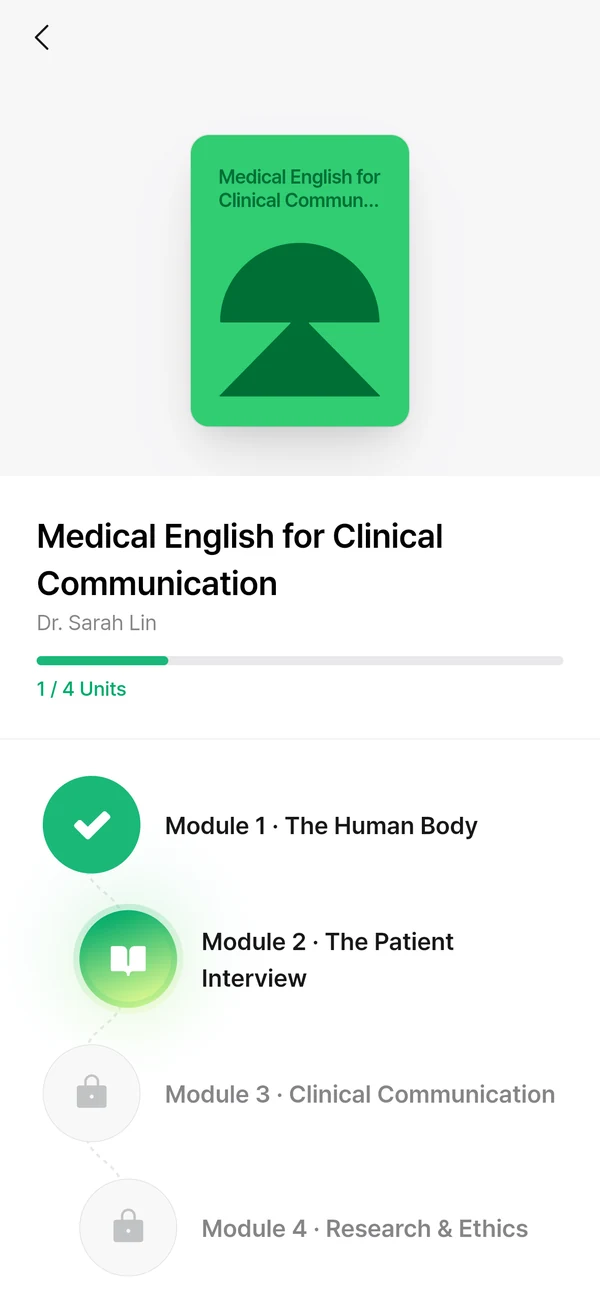
Units and assignments cover general English, academic writing and English for each subject. They lead on to speaking, writing and vocabulary practice.
Students practise what their courses need, from academic writing to conversations in their field. Staff follow each student’s progress and assessment results.
Discuss your programme
Courses and assignments follow your course goals, from general English to English for each subject. Students learn in the app, and staff review feedback and progress.
No materials yet? We can create the content with you, based on your goals.
Discuss your programme
Course design
Units and assignments cover general English, academic writing and English for each subject. They lead on to speaking, writing and vocabulary practice.
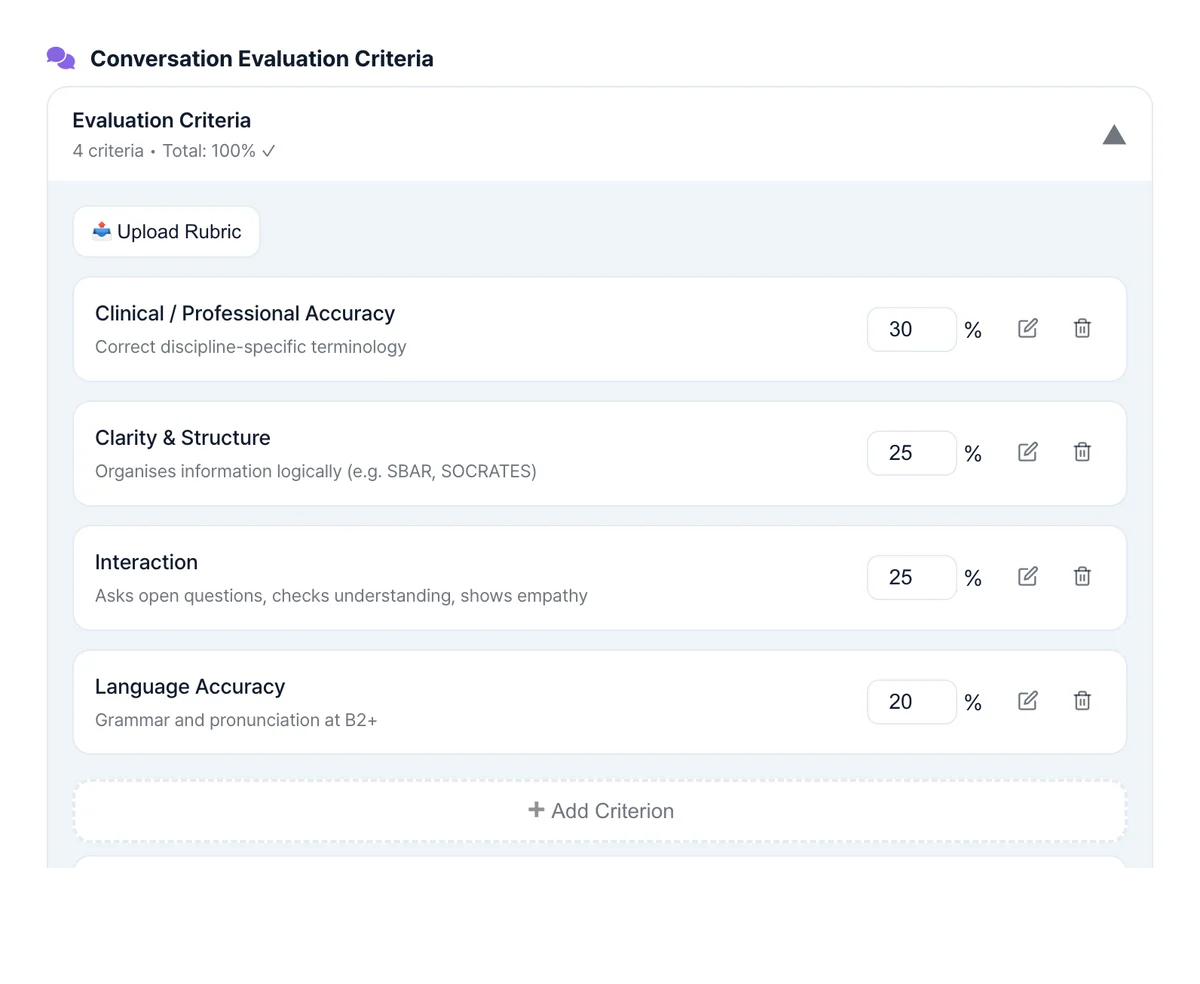
Assessment criteria
The criteria and weights you set for a course fill in as defaults on new assignments. They can include accurate technical terms and clear explanations.
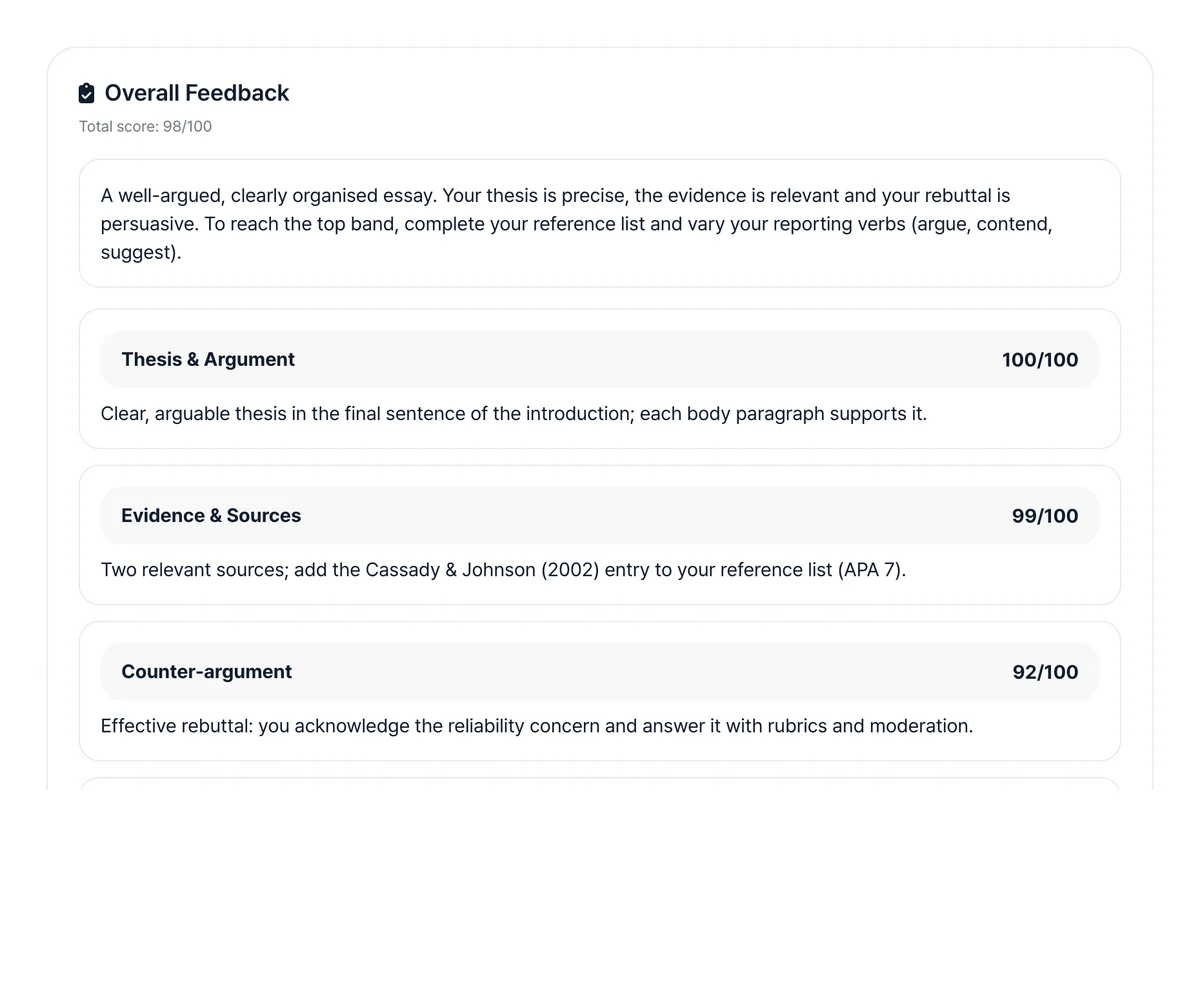
AI marking, staff review
AI sorts scores and feedback by your criteria. Staff review the results and use them for extra support and the next assignment.
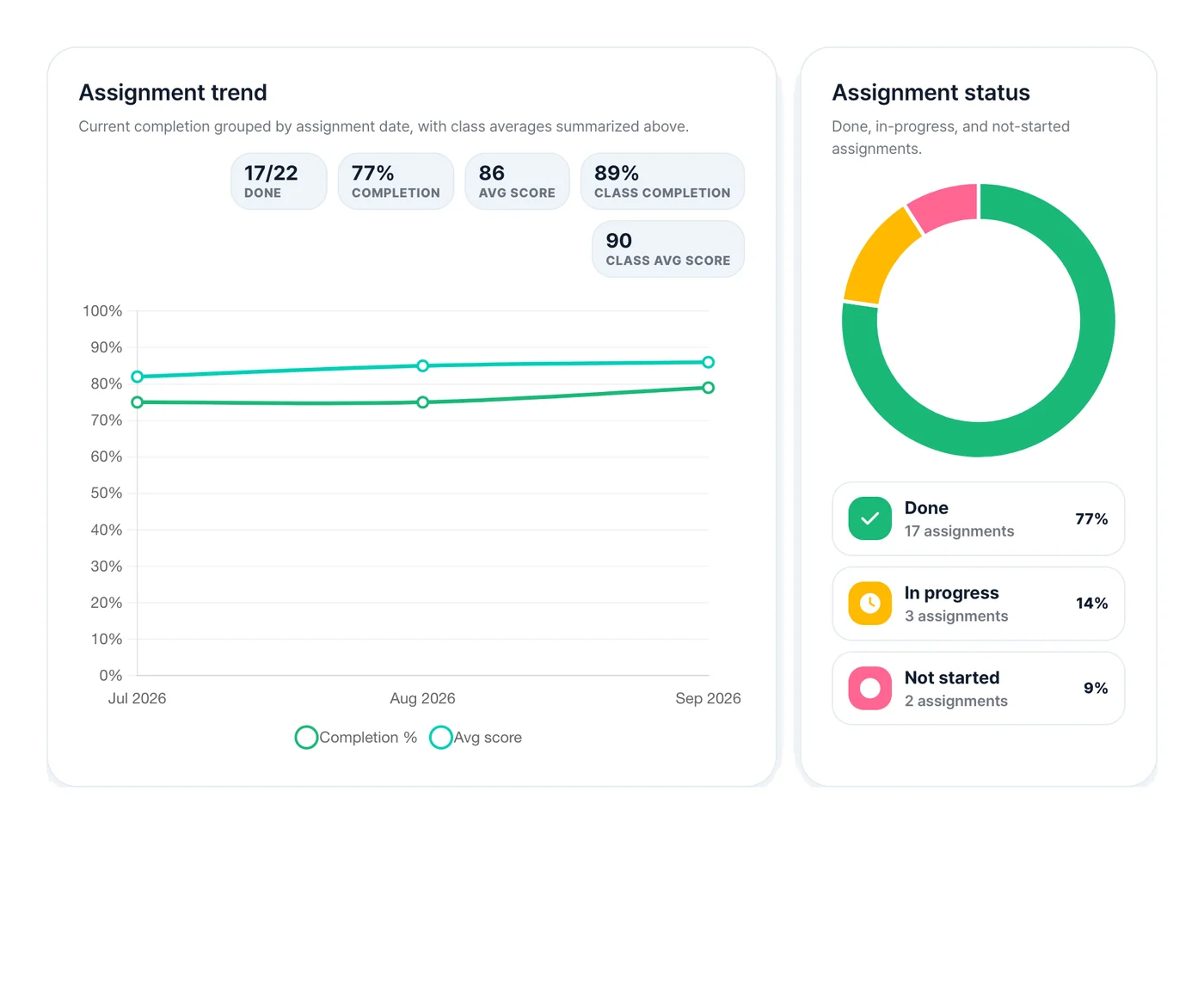
Progress by student
Progress, assignment records and expressions to work on, side by side. Use them to decide who needs more practice or explanation, and on what.
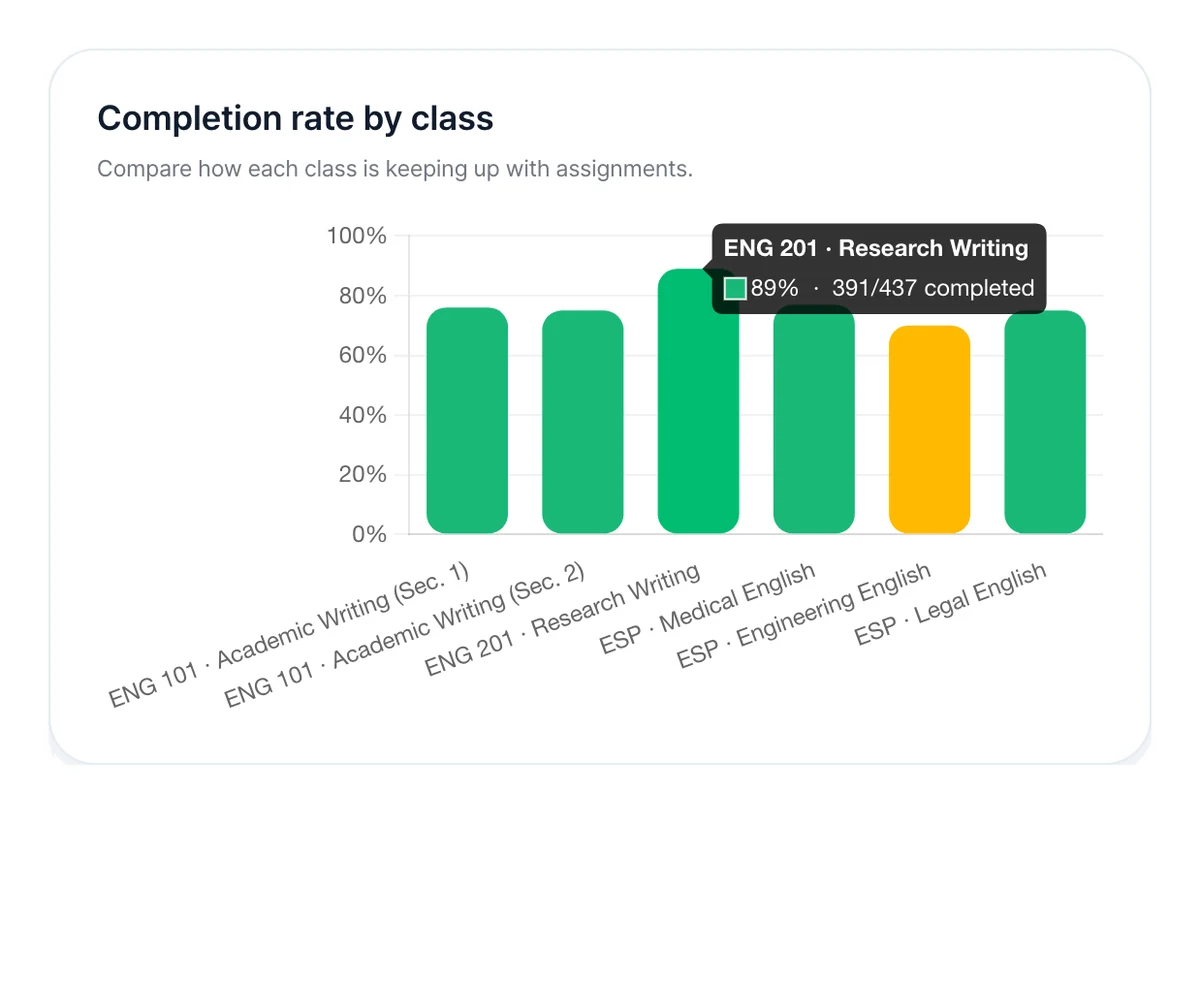
Reports by section
Assignment completion by section, and how it changes, in one place. Read completion as participation, and plan your next classes and support alongside assessment results.
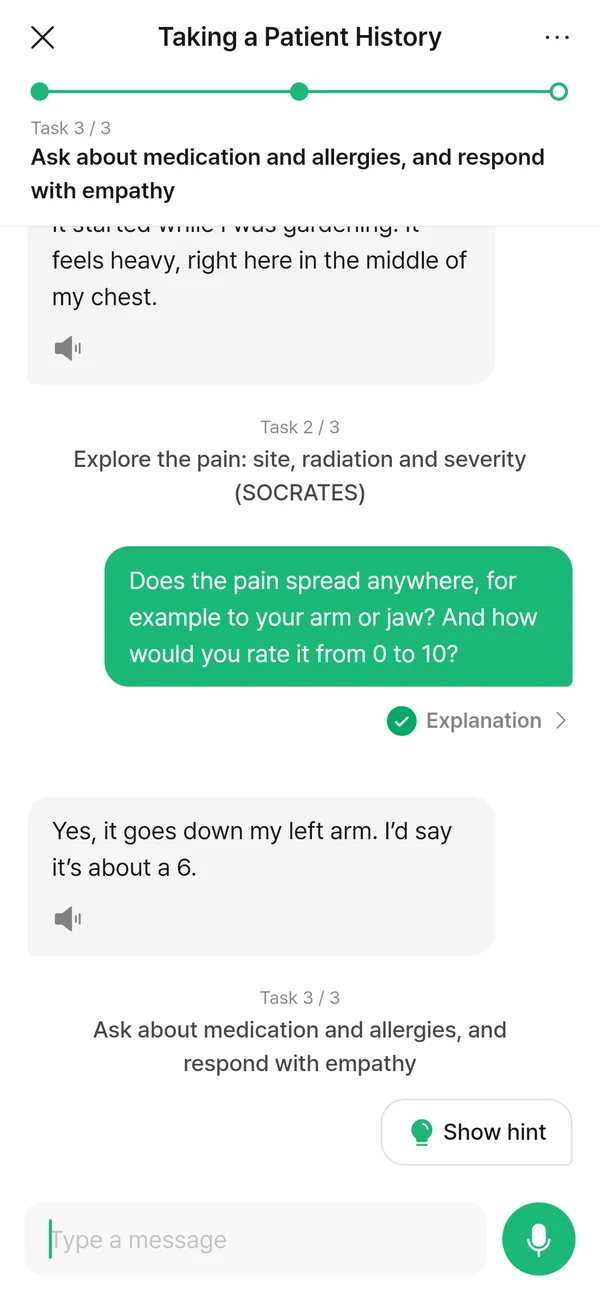
Each conversation follows the scenario and tasks set for the course. Students use the language from class in the situation it was meant for.
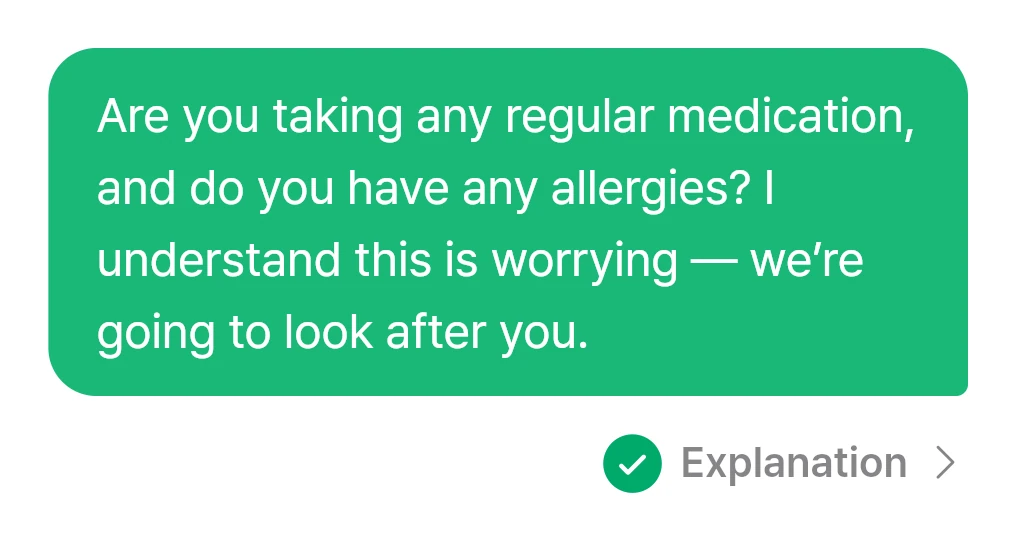
Read why each sentence works, and understand the expressions used.
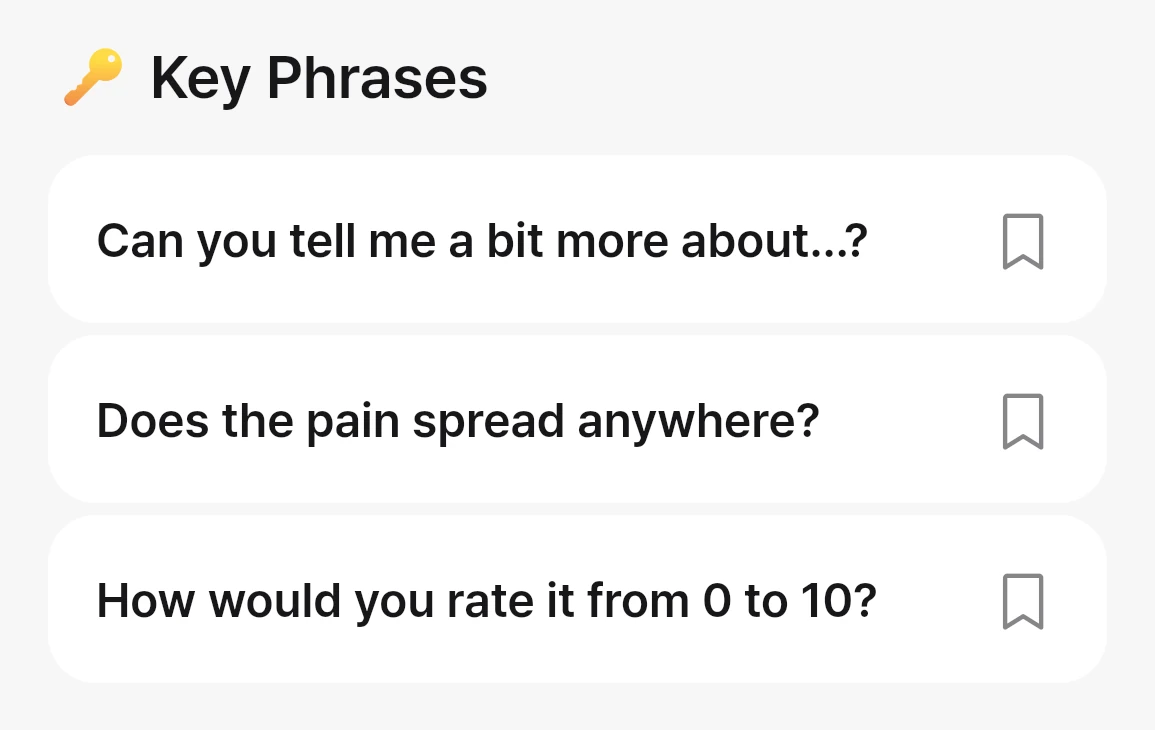
Key phrases from the conversation are gathered into one list.
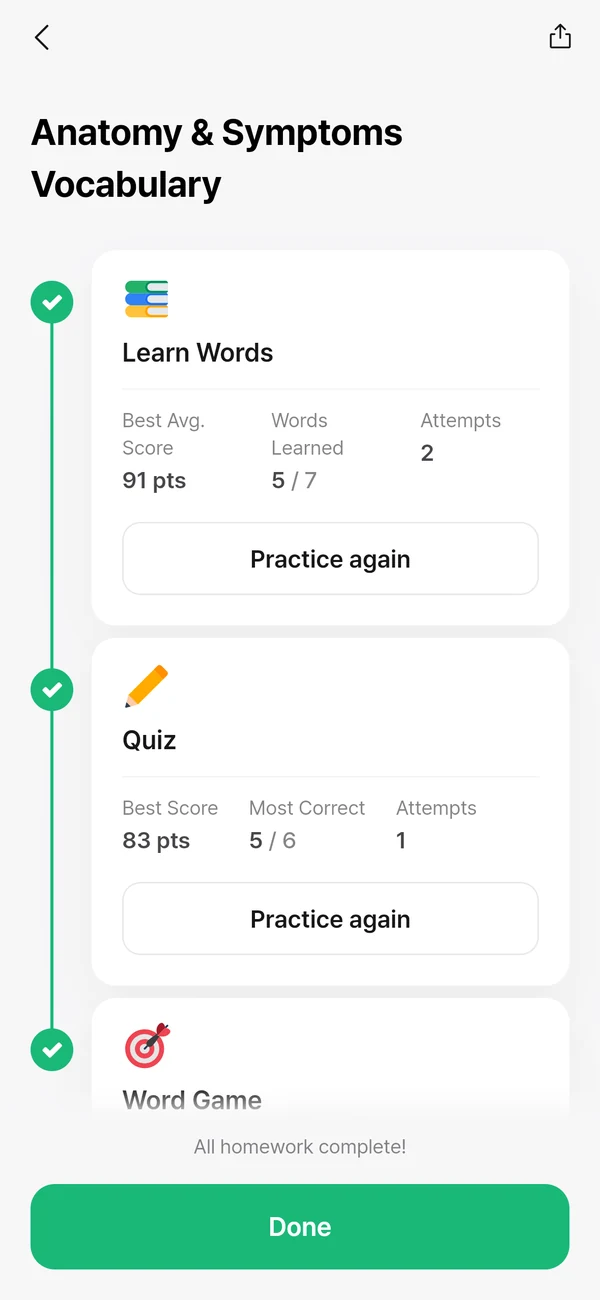
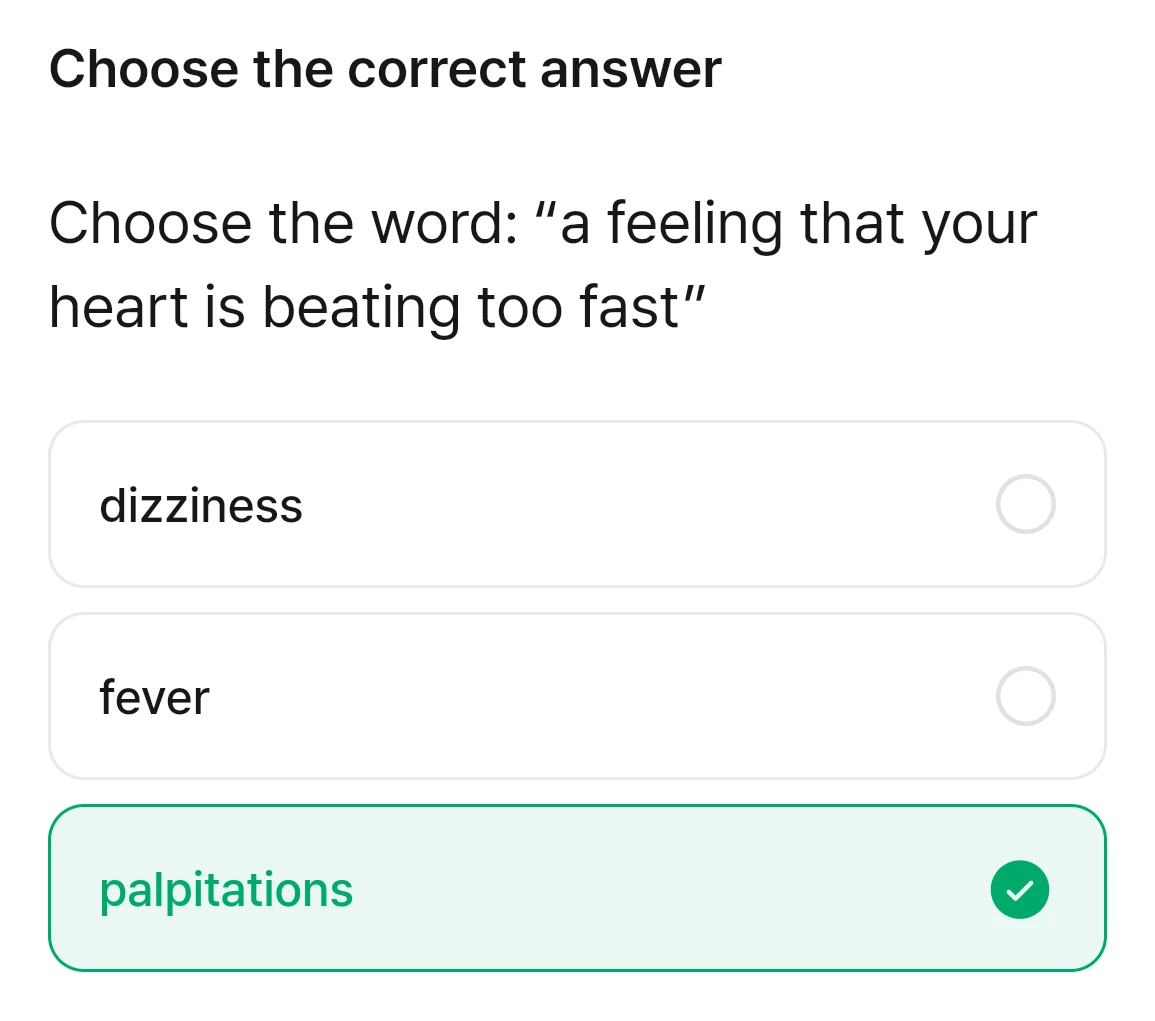
Picture, example, meaning. Then a quick game.Picture, example and meaning for every word.
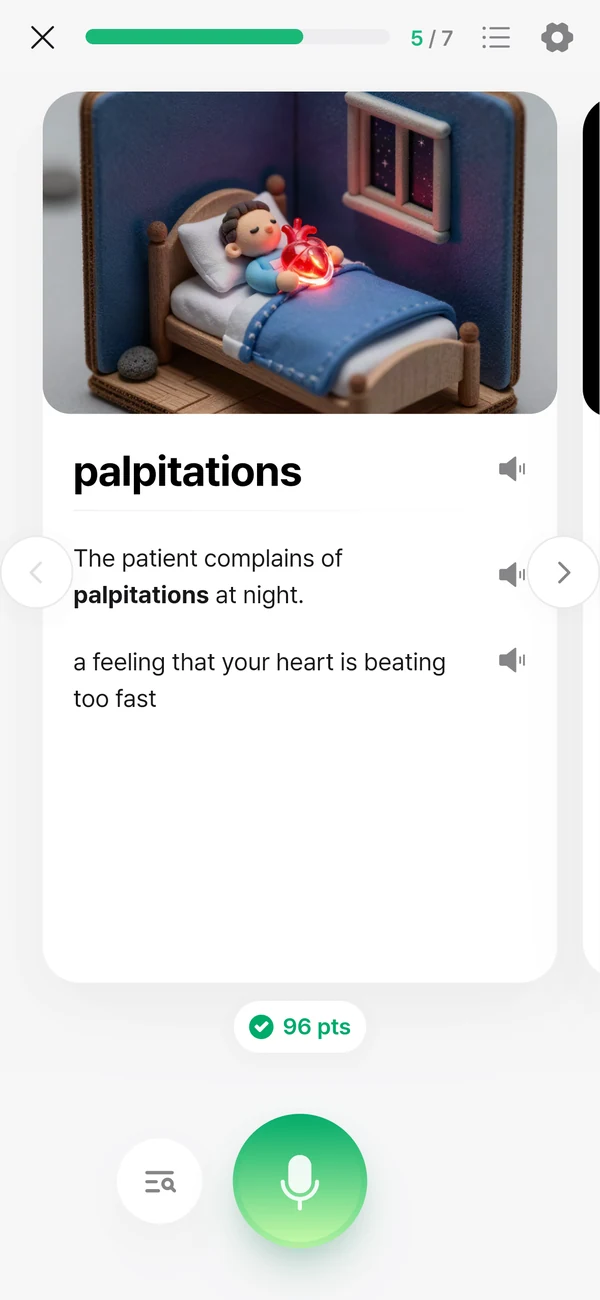
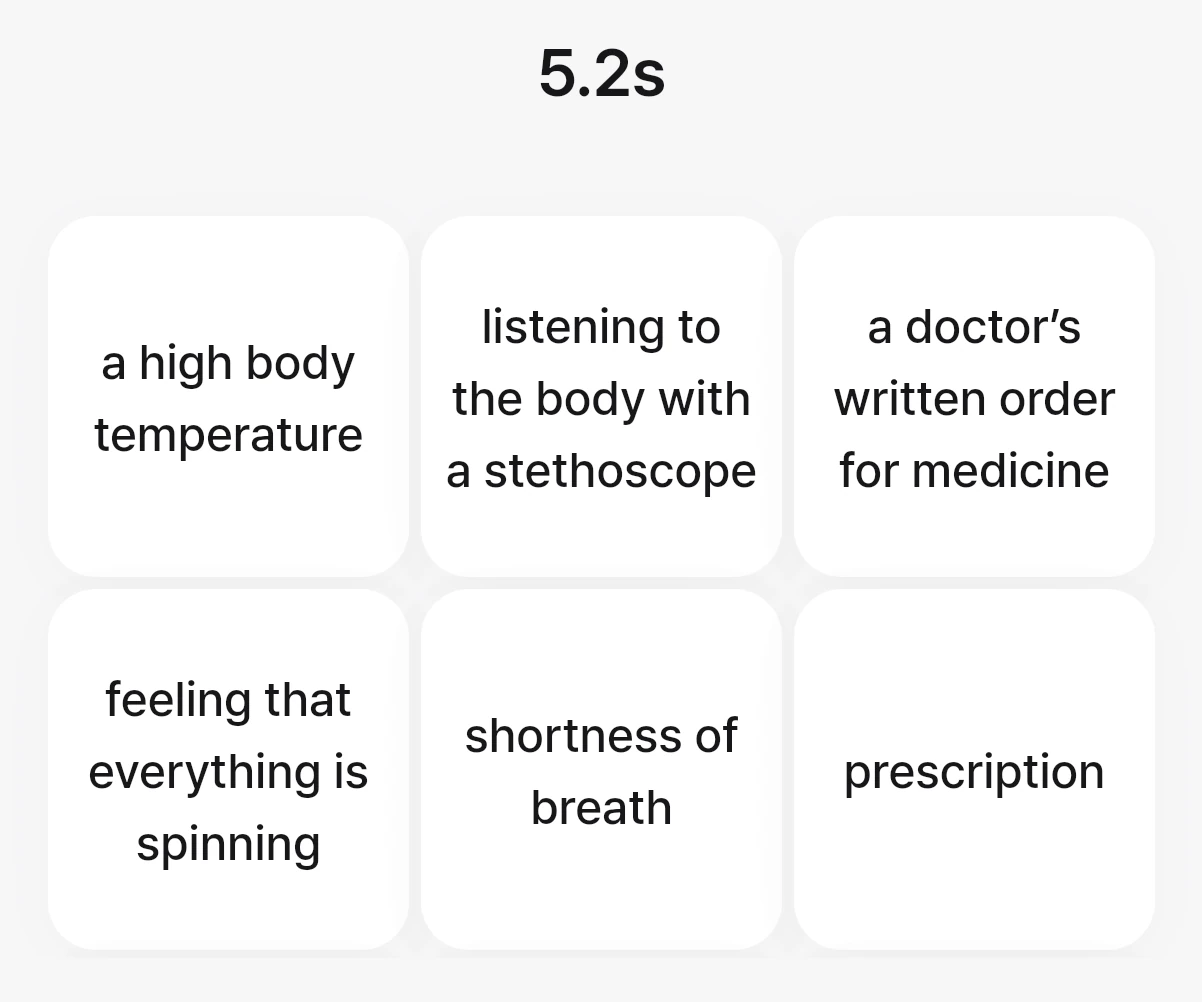
Read the meaning, pick the word.
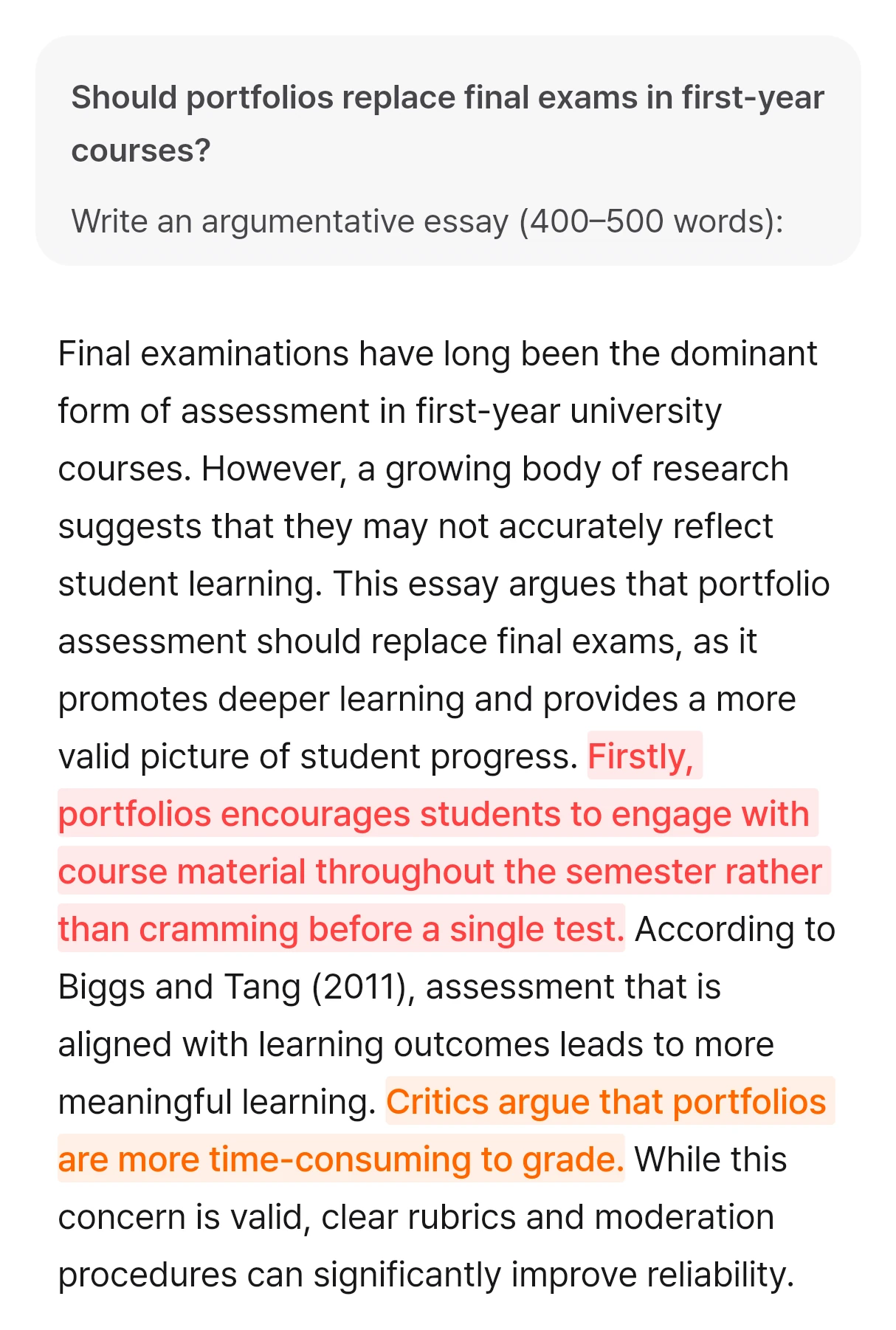
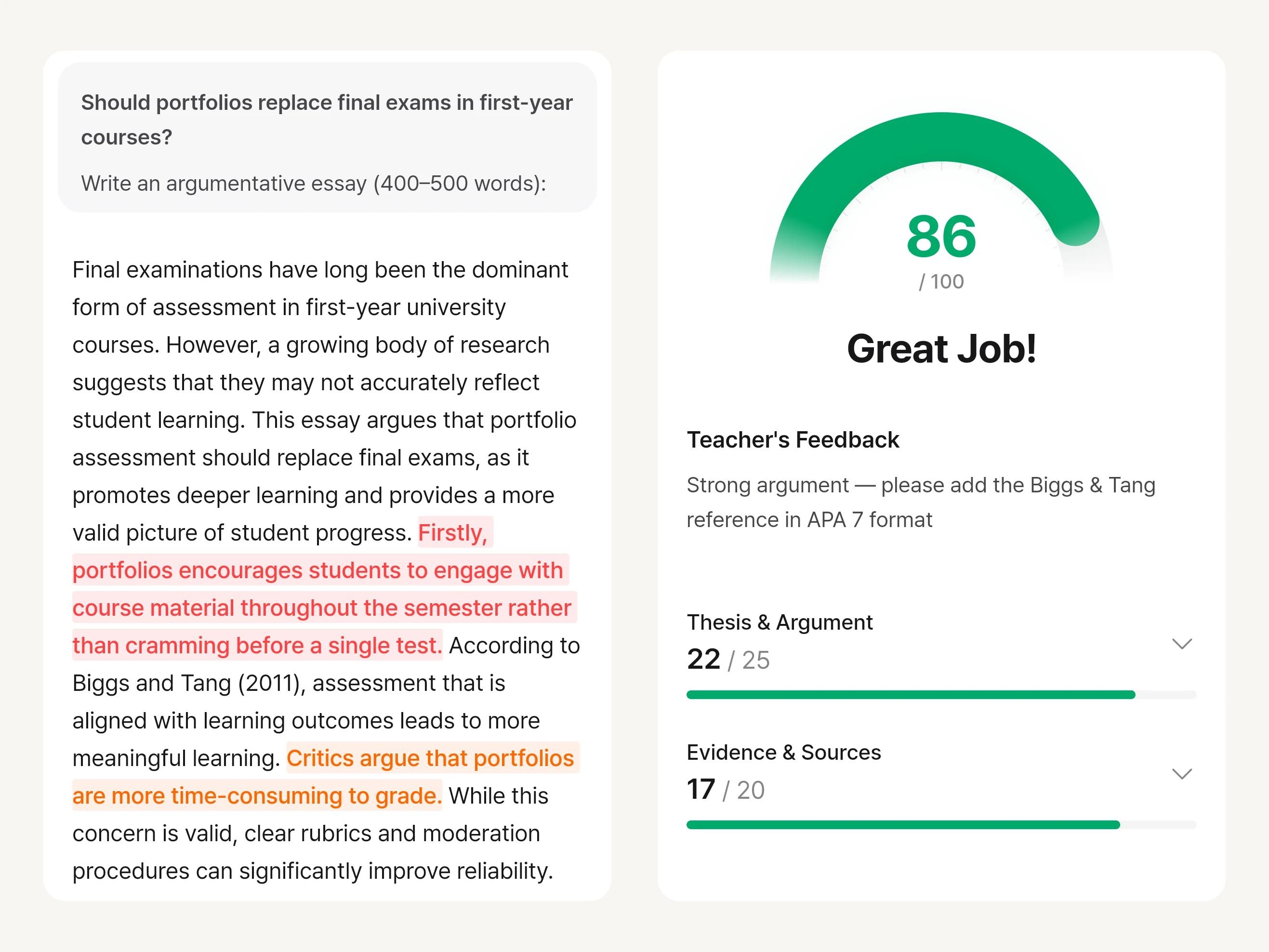
Students hand in an essay and get sentence-level marks plus a score and feedback for each criterion. Students see what to revise, and staff review the results.
Sentences that need work are marked, so students know where to start.
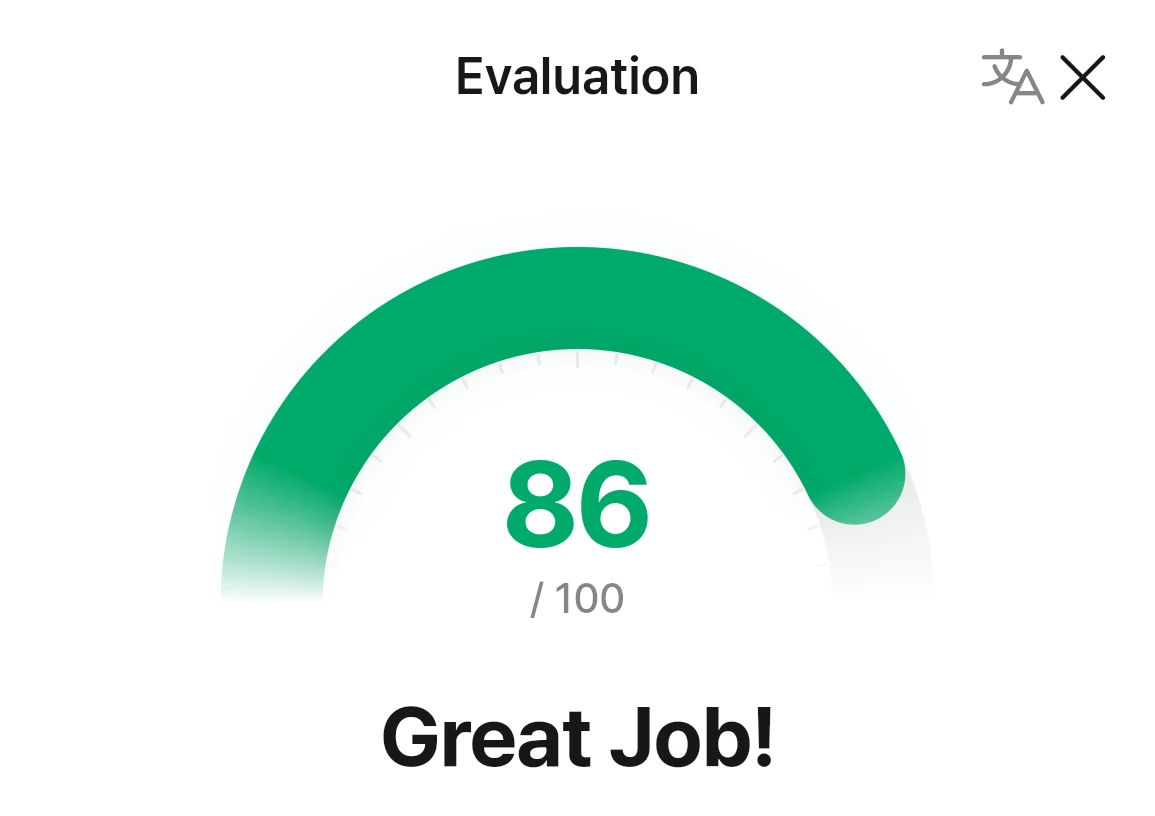
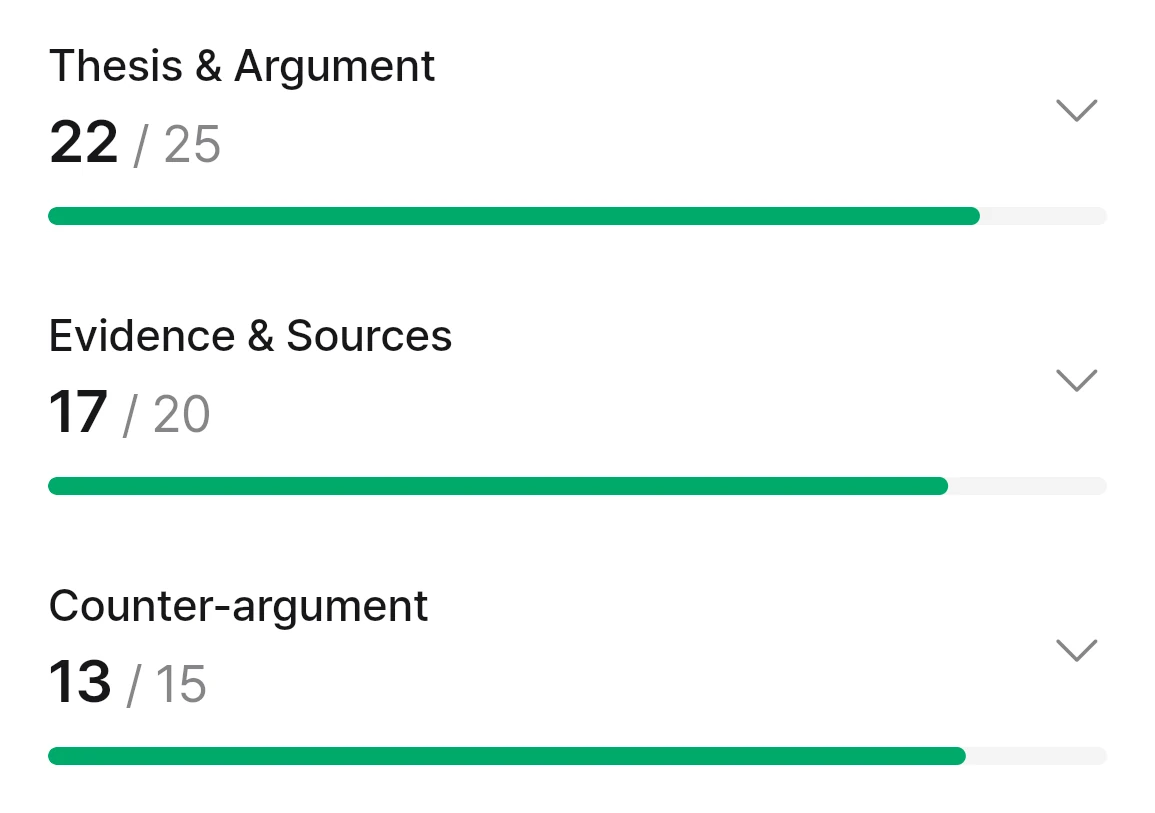
Scores for thesis, evidence and counter-argument show what to improve.
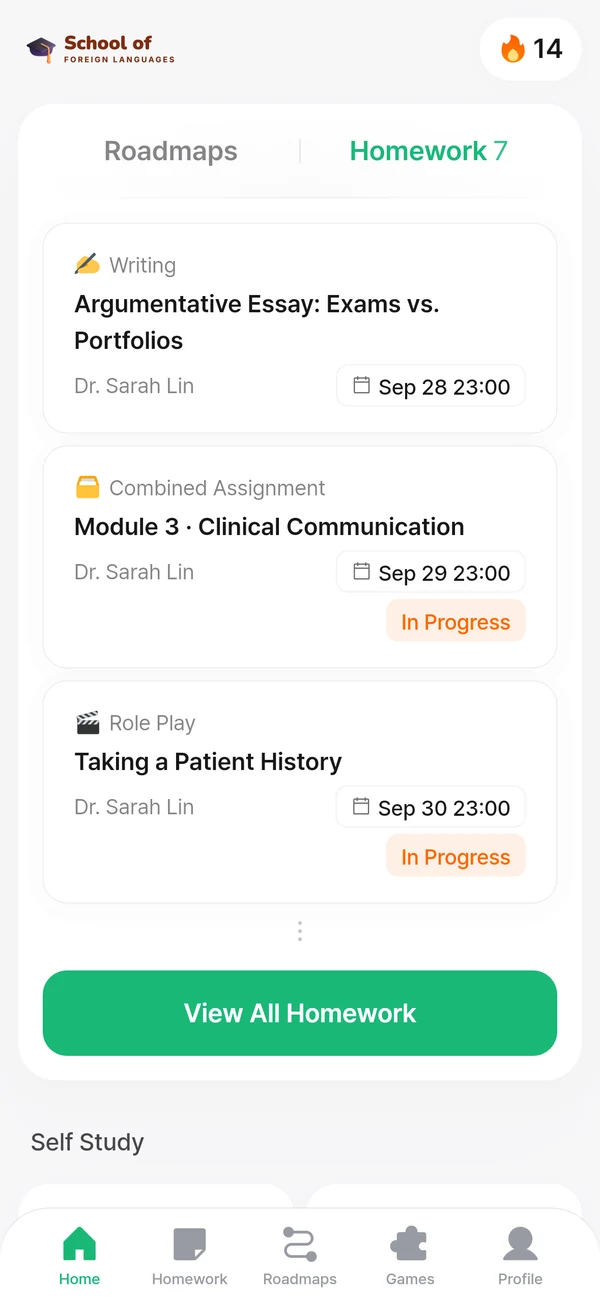
Due dates and status for every assignment.
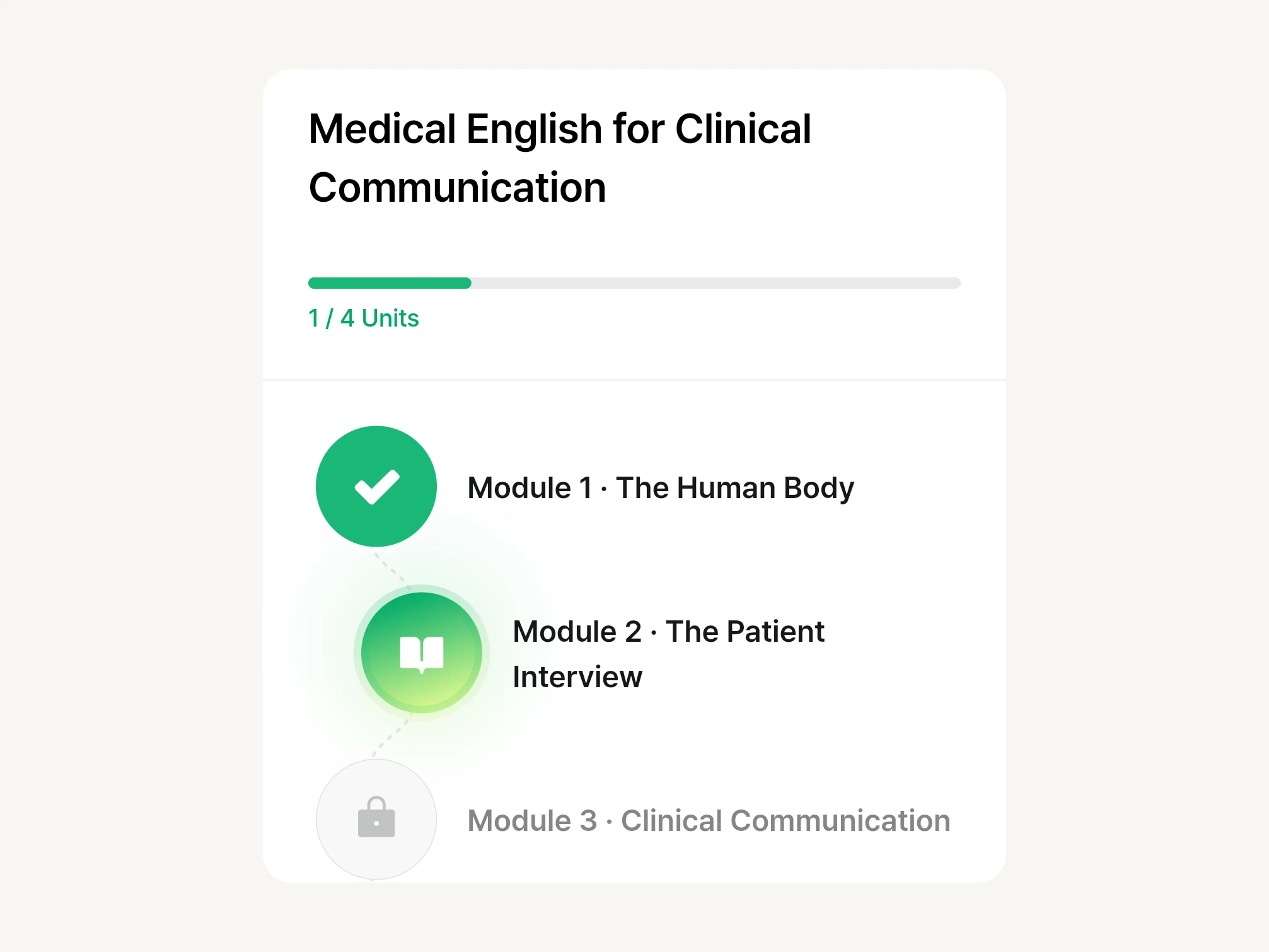
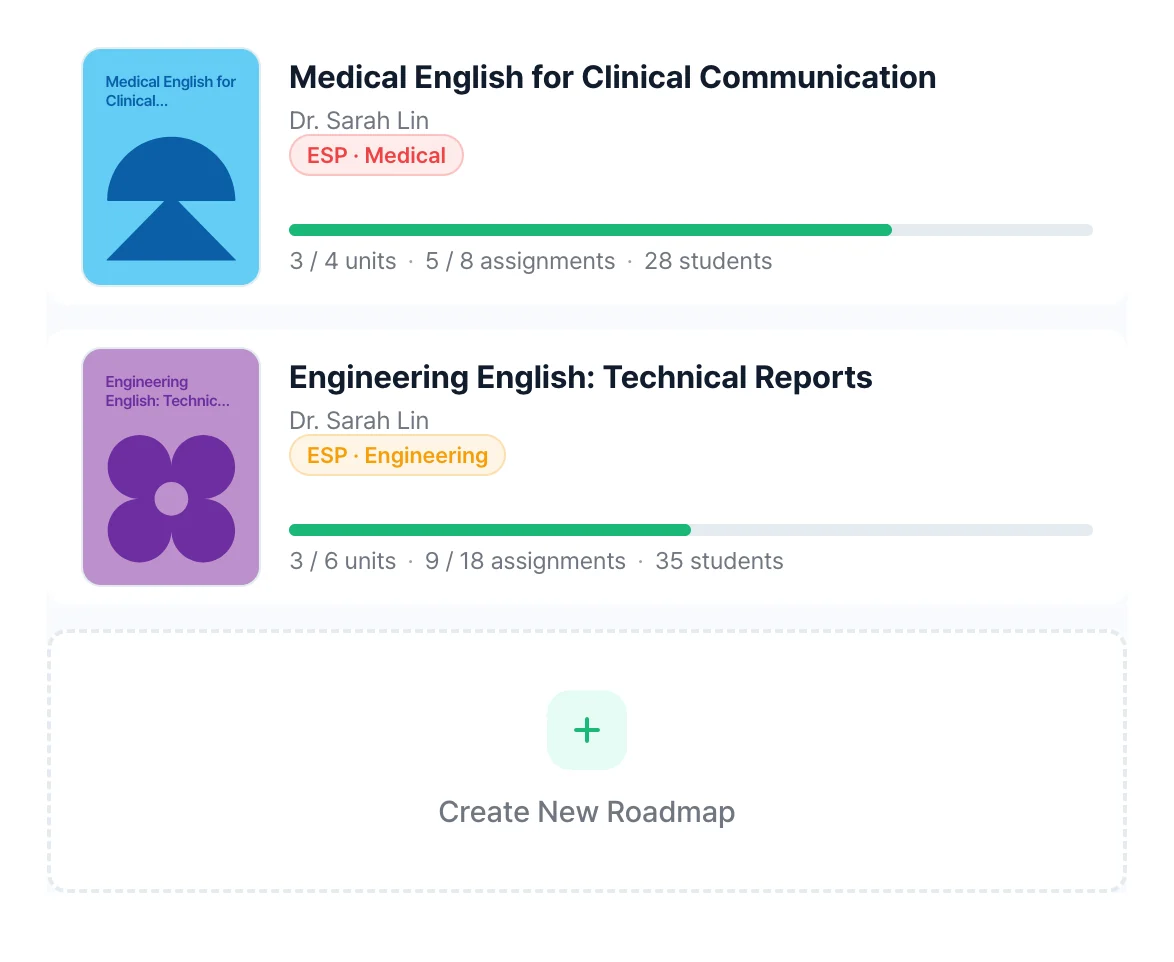
Share your materials. Guided paths come back.
Unit by unit.
Speaking and writing feedback, graded to your rubric.
Yes. Tell us who you teach and your course goals, and we can create the content with you. If you already use a textbook or course materials, we can use those too.
Yes. Courses follow your goals and the pace of your classes. We agree which courses to start with and how assignments will run when we talk.
AI prepares scores and feedback against the criteria your university sets. Staff review the results and use them for extra support and the next assignment.
Tell us who you teach and what your courses aim to achieve. We’ll explore the courses you need, from general English to English for each subject, and how they would run.
To choose an organisation type, use the contact page instead.